Loading...
Loading...
Routers
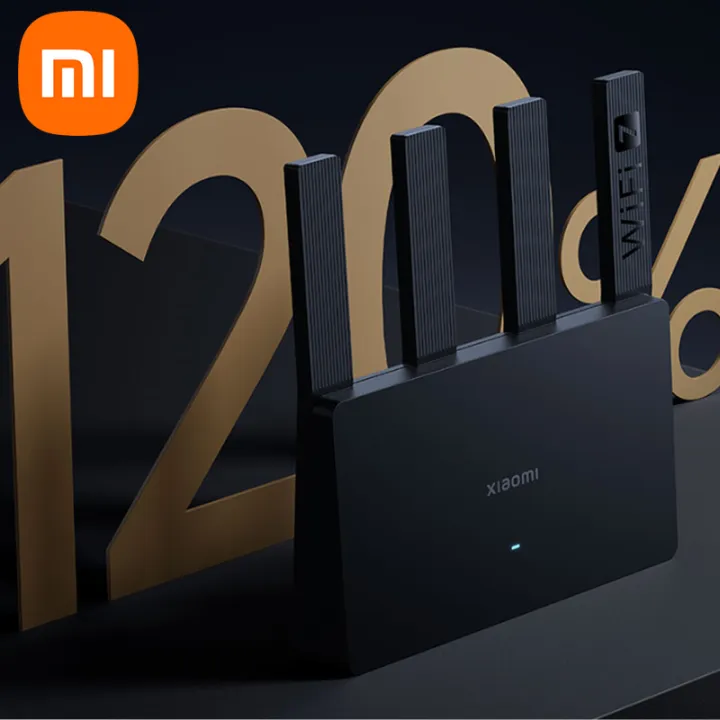
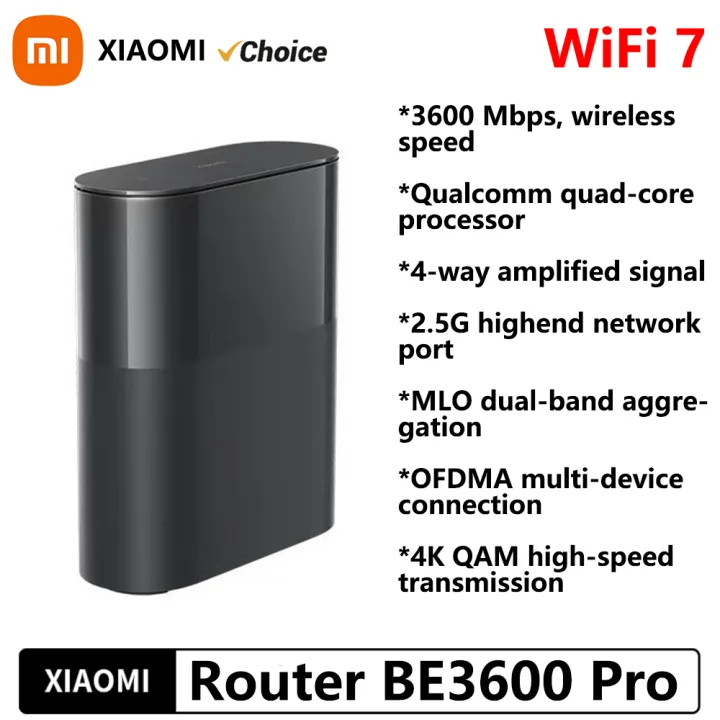
Xiaomi Router Connection Steps1. Connect the router to the power supply and connect to the network cable2. When the indicator light turns blue, use your mobile phone to search for the WiFi transmitted by the router3. Connect to WiFi, it will automatically jump to the setting page, and set a WiFi password according to the prompt4. After completing the settings, the WiFi will automatically restart, and it can be used normally after reconnectingNOTE: This product is in Chinese Version. When adding Router, Please select Chinese Mainland in the Mi Home APP. How to connect to Mi Home App:Detailed parametersXiaomi Router BE3600 Pro Full-home coverage with smart connectivity*Wireless speeds of 3570Mbps*Multi-pack option for flexible coverage solutions*All-new Qualcomm quad-core processor*4 independent signal amplifiers*Multi-Link Operation (MLO)*2.5Gbps high-speed port*OFDMA*4K QAM*Supports Xiaomi HyperOS Connect for the first time*NFC quick connection*Built-in Bluetooth GatewayWi-Fi 7 full-home coverageFaster and more stable internet connectionComprehensive upgrades for improved speeds and moreThe all-new Wi-Fi 7 protocol delivers higher speeds for increased throughput and introduces advanced features such as MLO for multi-link operation, ample utilisation of channel resources, latency reduction, enhancement of anti-interference capabilities and improvements to long-distance coverage.MLO dual-band connection delivers faster speeds and stable performance.Compared with traditional single-band connections, MLO allows devices to simultaneously connect to two frequency bands and transmit data quicker than ever. Faster and more stable than before, enjoy a seamless online experience when downloading games or apps, browsing websites, or watching videos.More powerful Wi-Fi 7 features for advanced performancePre-paired for fuss-free setup2-pack and 3-pack kits are pre-configured and automatically form a Mesh network* when powered on, ensuring seamless coverage and excellent signal strength throughout the house.With 4 high-power signal amplifiers, comprehensive coverage is provided thanks to a strong signalIn a home with a complex layout including multiple walls, independent signal amplifiers with higher power provide stronger connectivity. Connectivity is smooth even in areas with weak signals such as bathrooms, balconies, and studies, facilitating seamless entertainment and efficient work anywhere in the house.Dual-link backhaul for increased stabilityThe network has been upgraded with 2.4G + 5G dual-link backhaul technology to further improve internet speed and stability.Xiaomi Mesh technology ensures excellent internet access even in complex home layoutsSupports up to 10 Xiaomi routers in a mixed network using wired, wireless and other connections*. The network can be expanded flexibly according to your requirements to remove signal blind spot problems caused by complex house layouts. When moving around the house, mobile phones and other devices automatically
Recommended