Loading...
Loading...
Mice
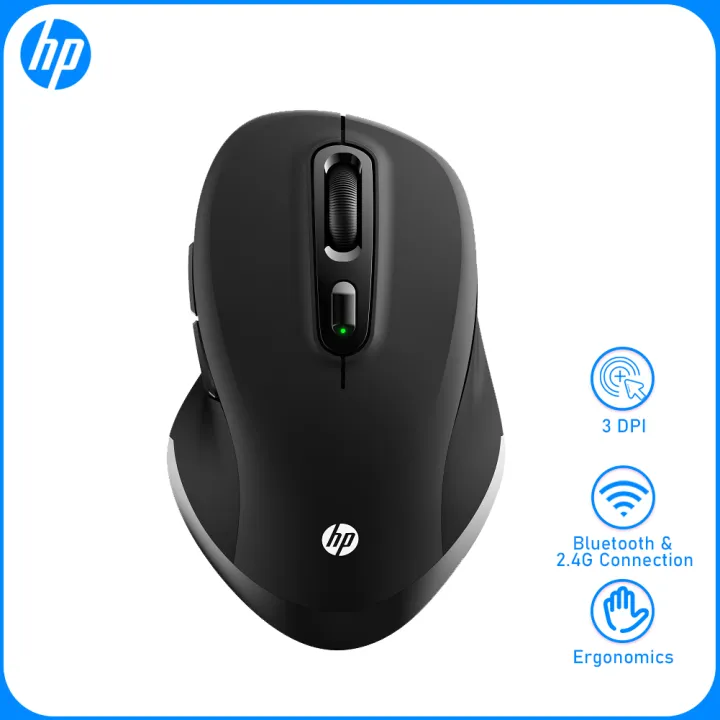
What’s in the box1X mouse、1X USB receiver 、2X No. 7 battery (AAA) 、1X instruction manual 1X mouse、1X USB receiver 、2X No. 7 battery (AAA) 、1X instruction manual HP wireldss dual mode mouse Ergonomic design Bluetooth and 2.4G dual-mode connection Modal light prompt Three-stage DPl design Quick page turning High precision optical engine Skin-friendly surface Energy saving Product parameters:Product Product model: FM710AConnection method: Bluetooth, 2.4G wirelessNumber of buttons: 6DPI:1000-1600-2400Mouse size: 118.8X74.2X39.7mmMouse weight: about 120gSystem: Multi system compatibility Color: BlackUsage2.4G mode (green indicator light prompt):1. Remove the receiver from the battery cover at the bottom of the mouse and connect it to the computer USB port. Install two No. 7 batteries (pay attention to the direction of the positive and negative poles).2. Turn the power switch at the bottom of the mouse to ON, short press the mode switch until the indicator light turns green, wait for a moment, and you can use it.Bluetooth mode (blue indicator light):1. Short press the mode switch until the indicator light is blue, then long press the Bluetooth pairing button for 3 seconds, the indicator light will flash blue quickly, and the mouse will enter Bluetooth pairing mode;2. Turn on the computer's Bluetooth, enter the search mode, click on the mouse to pair the device with the name "FM710AMouse" for device connection, wait for a moment, and you can use it.DPI resolution:The DPI resolution is adjustable in three levels, and clicking the DPI switch button can cycle through. The light flashes once at 1000dpi, twice at 1600dpi, and three times at 2400dpi.Product
Recommended