Loading...
Loading...
PC Audio
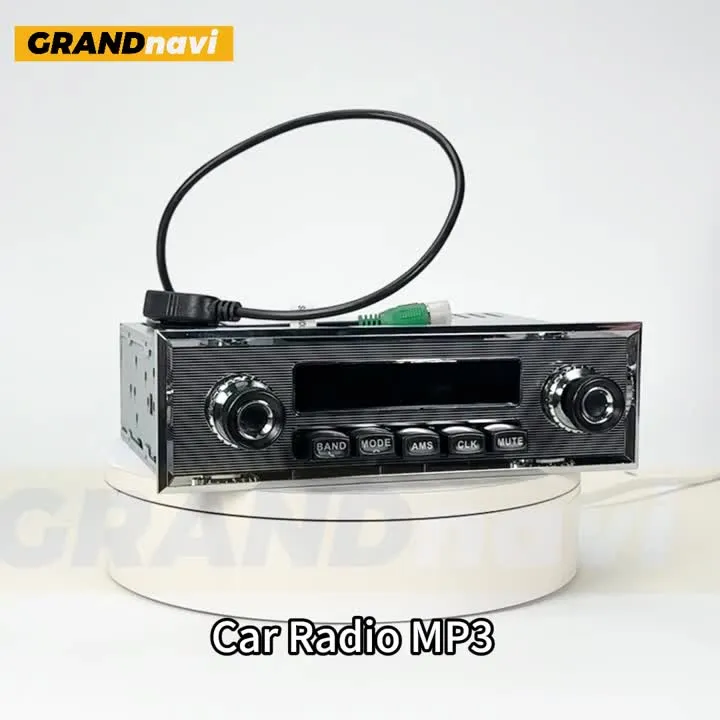
How to turn on the radio?①Please make sure connect positive pole with RED/YELLOW wire.②Connect negative pole with BLACK wire.Reverse connection of positive/negative poles may cause the damageof fuse.If so, please replace with a new fuse then connect wires again.Play MusicSupport radio FM and AUX input and Bluetooth as well as inserting a USB flash drive to play musicAre You Still Troubled ByThe Following issues?Support BluetoothSupport playing music and answering calls through BluetoothInstallation EffectFM RadioSupport FM Radio Tunning,3 Bands (FM1~FM2~FM3)Frequency Range: 87.5~108.0MHzEQ SETTINGTime DisplayInterface DefinitionProduct ListProduct SizePlease note that the two machine chassis models have different lengths and will be shipped randomly. Support radio FM and AUX input and Bluetooth as well as inserting a USB flash drive to play music Support playing music and answering calls through Bluetooth Support FM Radio Tunning,3 Bands (FM1~FM2~FM3)Frequency Range: 87.5~108.0MHz
Recommended