Loading...
Loading...
PC Audio
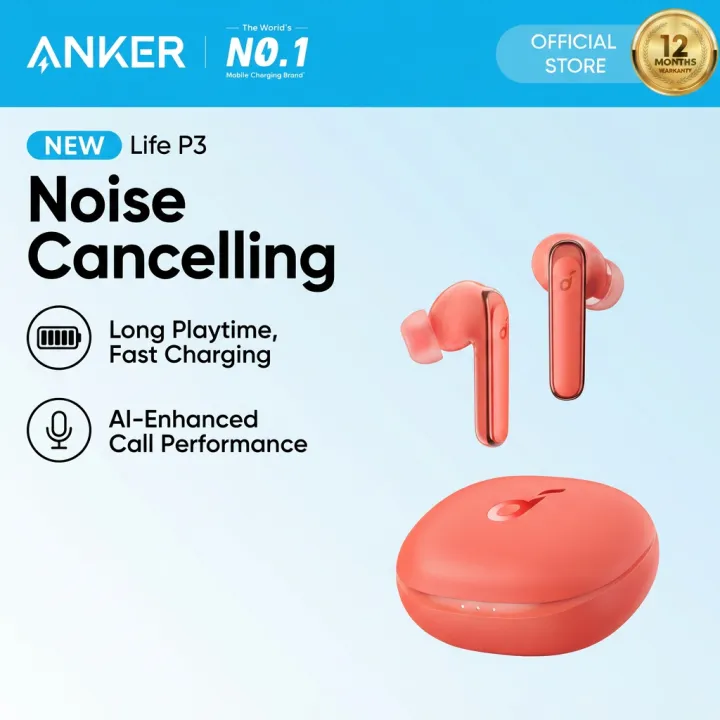
Select from 3 noise cancelling modes: transport, outdoor and indoor mode. These modes are optimized for those specific environments, so select a suitable mode based on your location for a better noise-free experience.Find Your Earbuds: Ever had an earbud mysteriously disappear? Activate “Find My Headset” in the app and the lost earbud will emit a loud noise to help you locate it.Get up to 10 hours of battery life on a single charge with a case that extends it to 50 hours. If Life P3 is running low on power, a quick 10-minute charge will give you 4 hours of playtime.Select from 3 noise cancelling modes: transport, outdoor and indoor mode. These modes are optimized for those specific environments, so select a suitable mode based on your location for a better noise-free experience.Life P3 noise cancelling earbuds have 6 microphones with an AI algorithm that picks up your voice precisely and blocks out background noise. Cannot pair or reconnect with my device.2. One side does not pair with the other side or my device.3. No music plays after connecting with my device.4. Only one earbud has sound.1. Remove the protective film covering the connectors on the earbuds.2. Reboot the Bluetooth device, such as a phone or computer. Forget all the pairing records on your device and turn off Bluetooth.3. Reset the earbuds as per the steps below (make sure your earbuds have enough battery).*Place the earbuds into the charging case and keep the case open.*Press and hold the button on the charging case for 10 seconds until 3 LED indicators on the charging case flash white 3 times and then flash white in sequence continuously. This confirms that the reset is successful.When resetting the earbuds, make sure the earbuds are well connected with the case, or it may cause resetting failure. The first and third LEDs will flash to indicate that they are properly connected. (The first LED flashes twice when the left earbud is in the case, and the third LED flashes twice when the right earbud is in the case).4. Turn on the Bluetooth of your device and search for soundcore Life P3 and pair.If there is a pop-up window to confirm pairing for "soundcore Life P3," please select "pair." If you accidentally select "cancel," you need to refresh (turn off and turn on) the Bluetooth of your device and pair the earbuds again.Bluetooth related issue (cannot be paired / disconnected) when connected to a computer1. Fully charge and reset your earbuds as stated below:*Place the earbuds into the charging case and keep the case open.*Press and hold the button on the charging case for 10 seconds until 3 LED indicators on the charging case flash white 3 times and then flash white in sequence continuously. This confirms that the reset was successful.2. Upgrade your computer's Bluetooth driver to the latest version.3. Re-pair your earbuds to your computer.4. Test t
Recommended