Loading...
Loading...
Mice
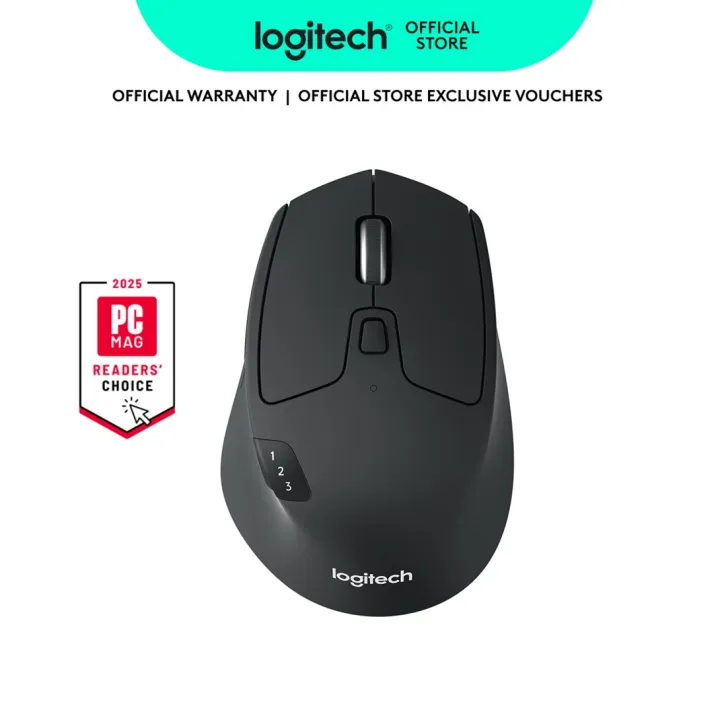
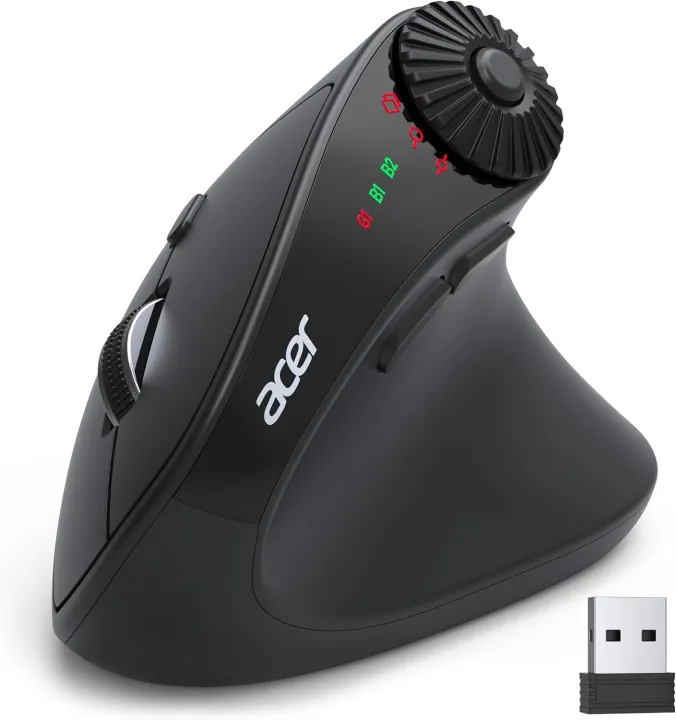
.aplus-v2 .aplus-content-wrapper {position: ;overflow: hidden;} .aplus-v2 .container-with-background-image {width: 100.0%;height: 100.0%;background-repeat: no-repeat;background- size: cover;} More Compact, for Small to Medium Hand-sized Users 1 2.4G/Bluetooth Connect2 59° Ergonomic Angle3 Up to 4000 DPI4 Workflow Efficiency 1 Window Toggle2 Zoom In/Out3 Horizontal Scrolling Q1 Why is my wireless mouse not working? - 1. Please check if the battery is installed with the correct polarity. Make sure the power switch is set to "ON". 2. Try to plug the receiver into a different USB-A port or Restart the computer. 3. The battery might be dead. Q2 Where is the USB A receiver? - Please open the battery cover; the receiver is stored underneath the battery compartment. Q3 Why does my wireless mouse occasionally disconnect? - 1. The mouse sleeps after 10 minutes and wake with a double click.. 2. Low battery power. Please replace the battery. 3. Please use the mouse at a distance of 32ft. Q4 Is this mouse suitable for all hand sizes? - 1.This mouse prefer small to medium sized hands users. 2. Switching from a traditional to an ergonomic mouse may require 3-7 days of adjustment. 3. Please adjust your grip to allow your palm to naturally fit the curve of the mouse to reduce hand fatigue. Q5 Can this mouse be c
Recommended